AR Solar System
A downloadable AR Experience for Android
🔹 Full Description
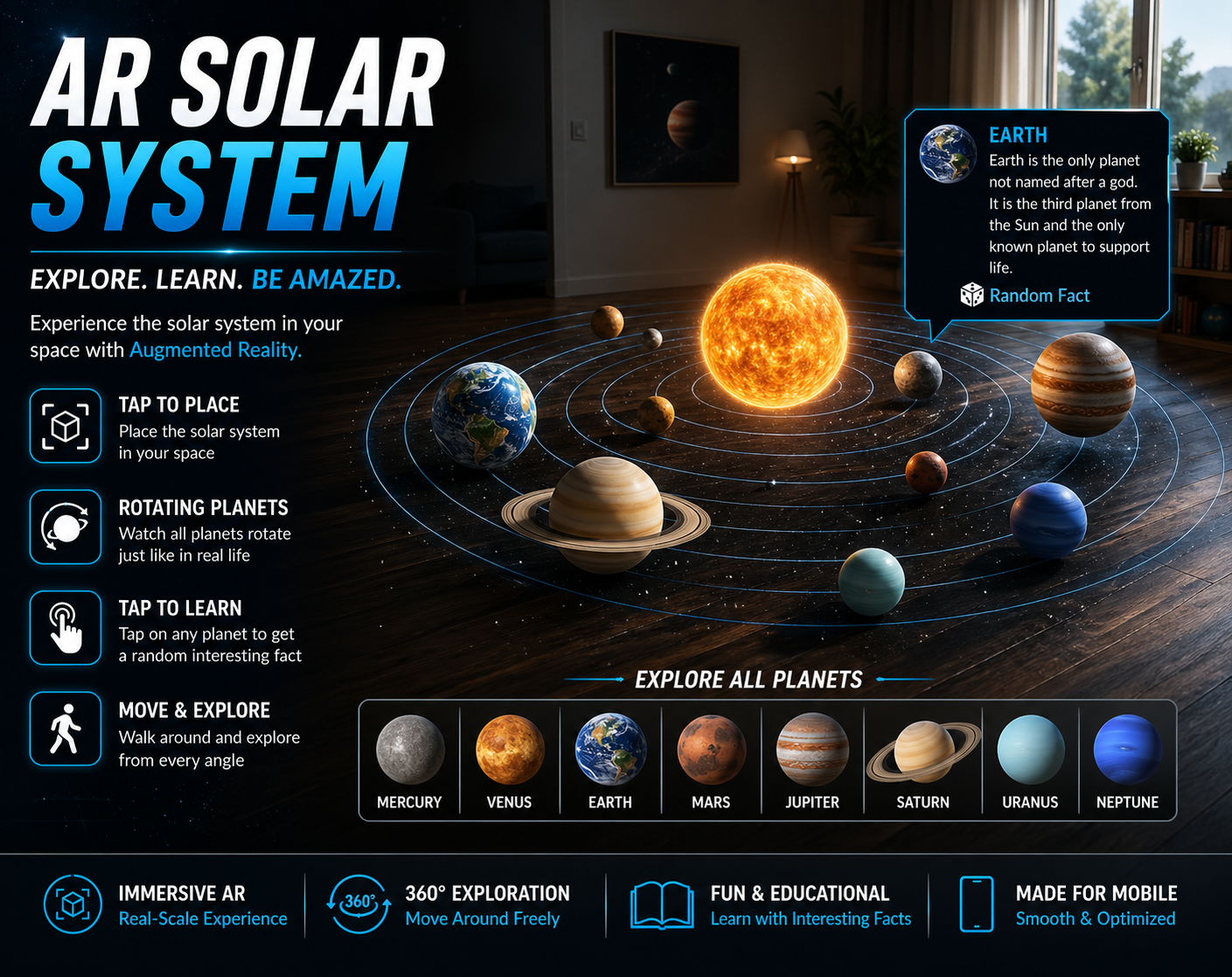
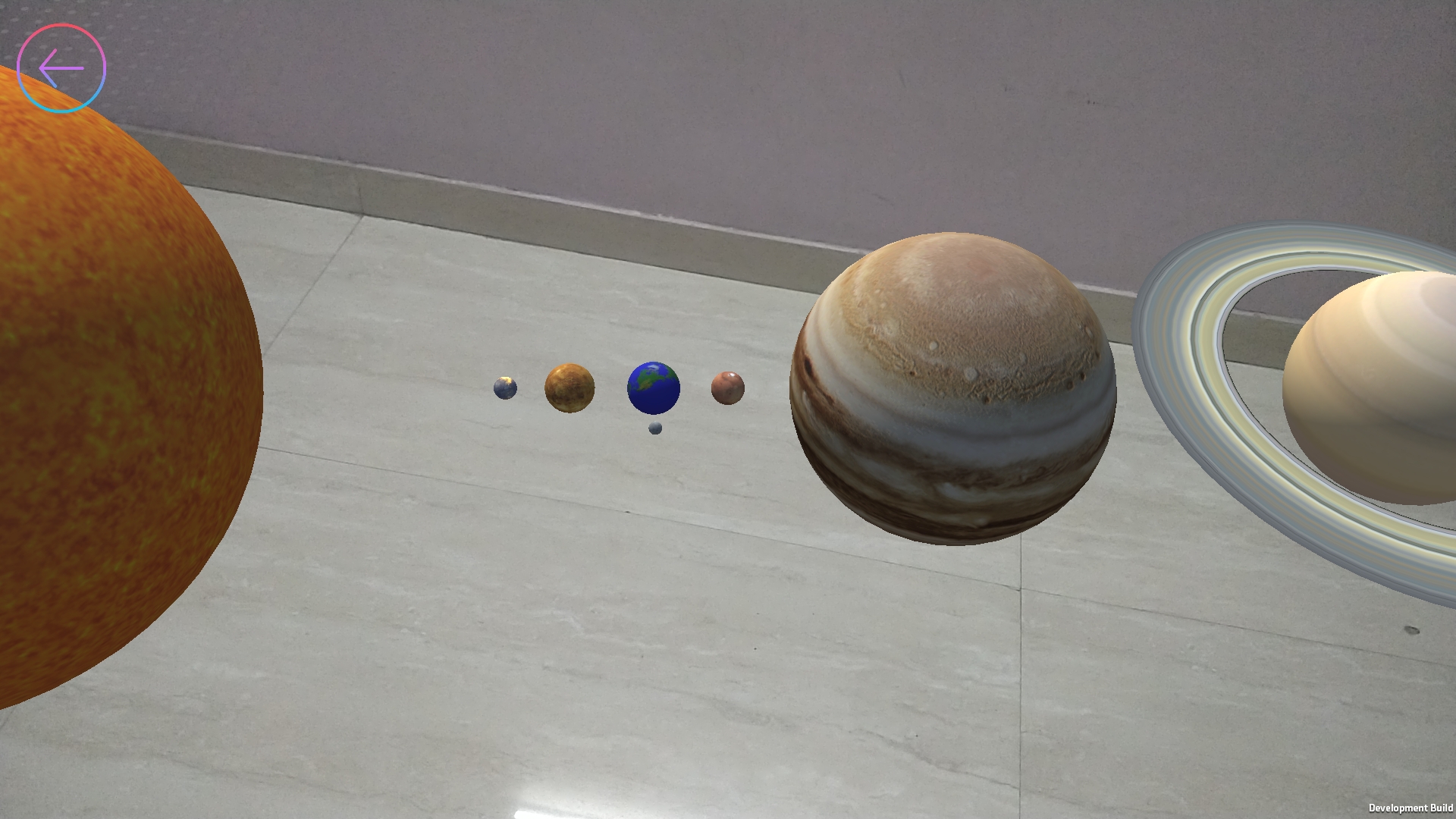
Solar System AR Explorer is an augmented reality experience built in Unity that allows users to visualize and interact with the solar system in their real-world environment.
The app features a sliding menu interface that allows users to choose between viewing the entire solar system or exploring individual planets. Based on the selection, the corresponding AR experience is launched.
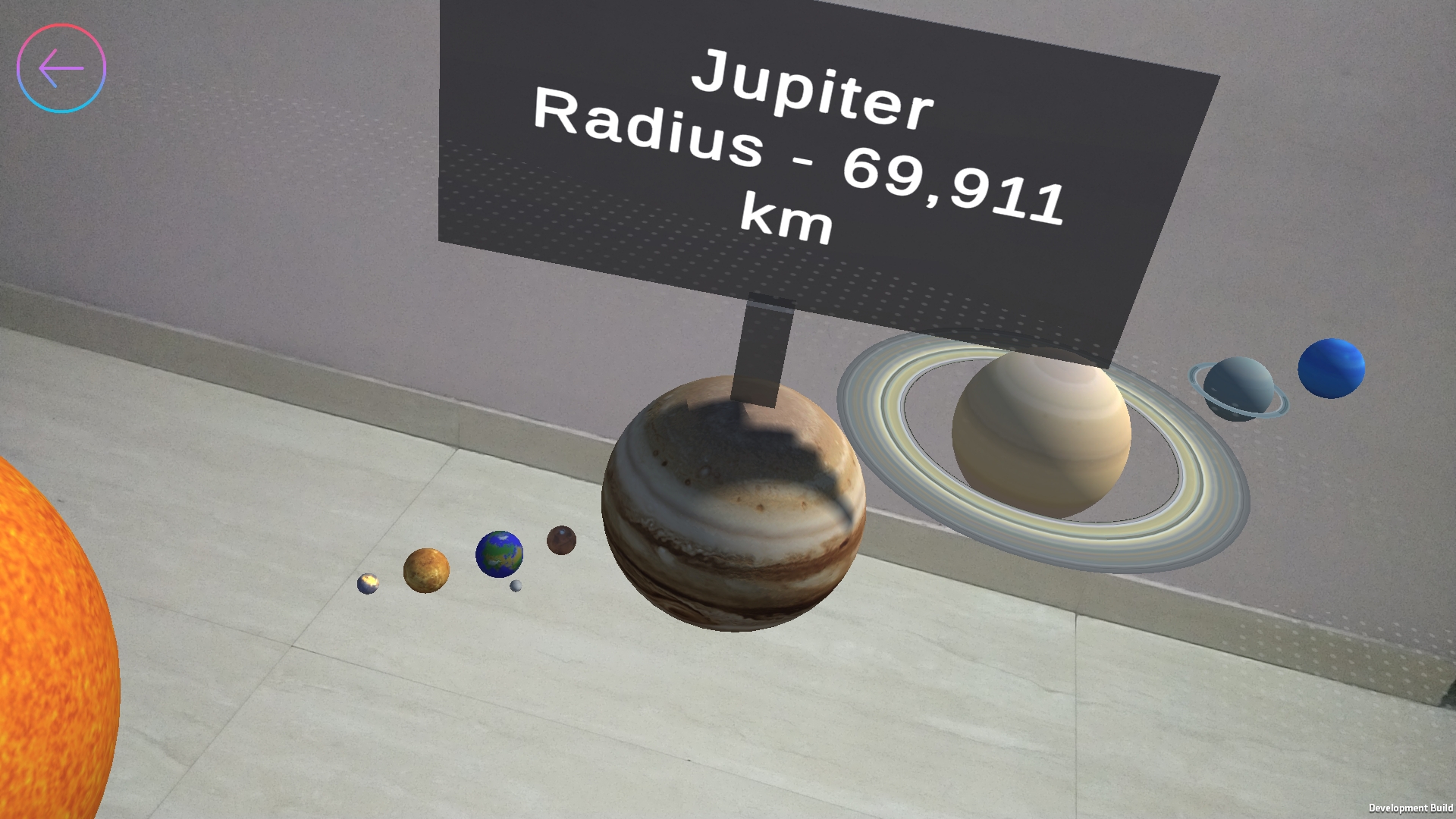
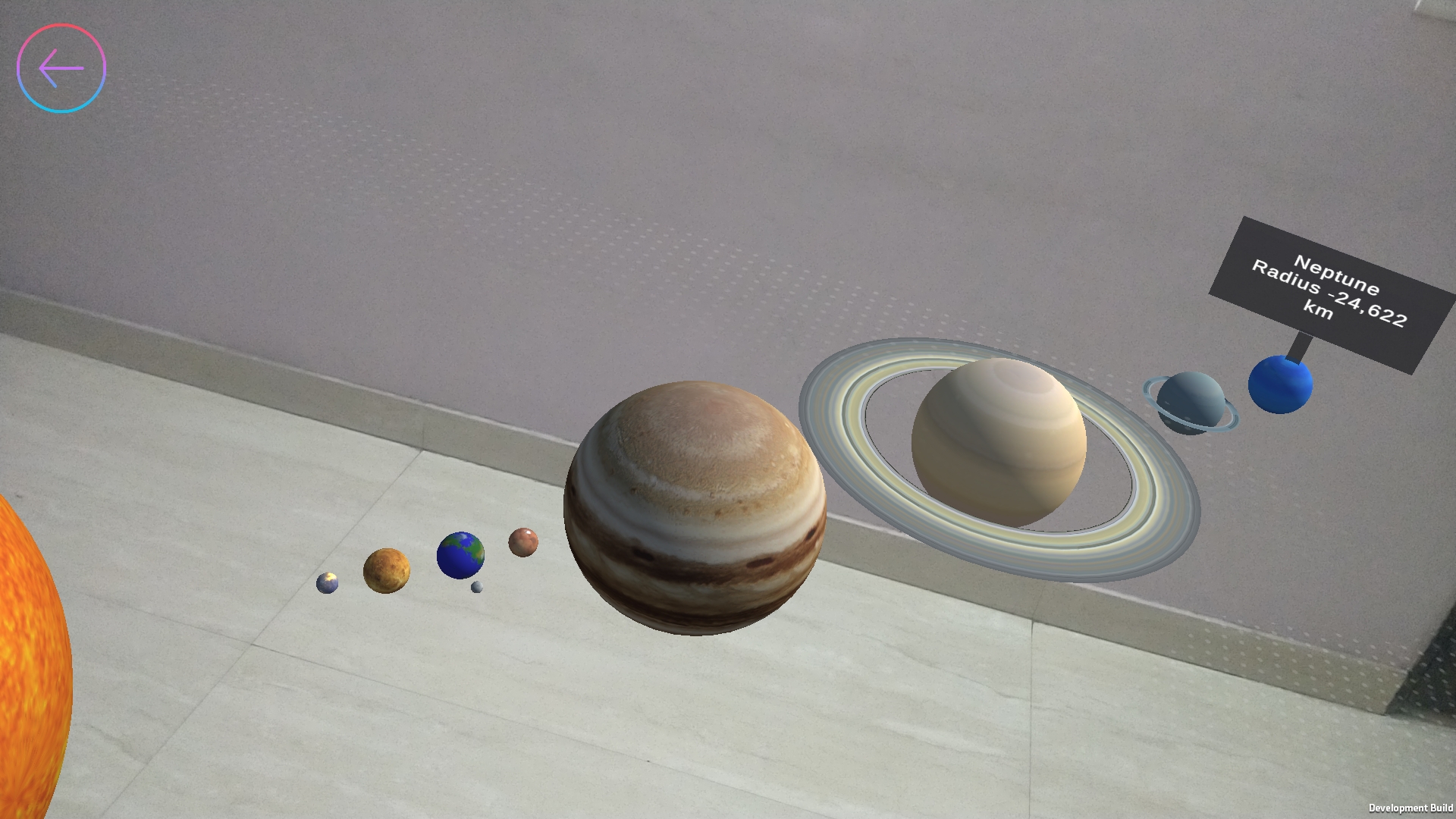
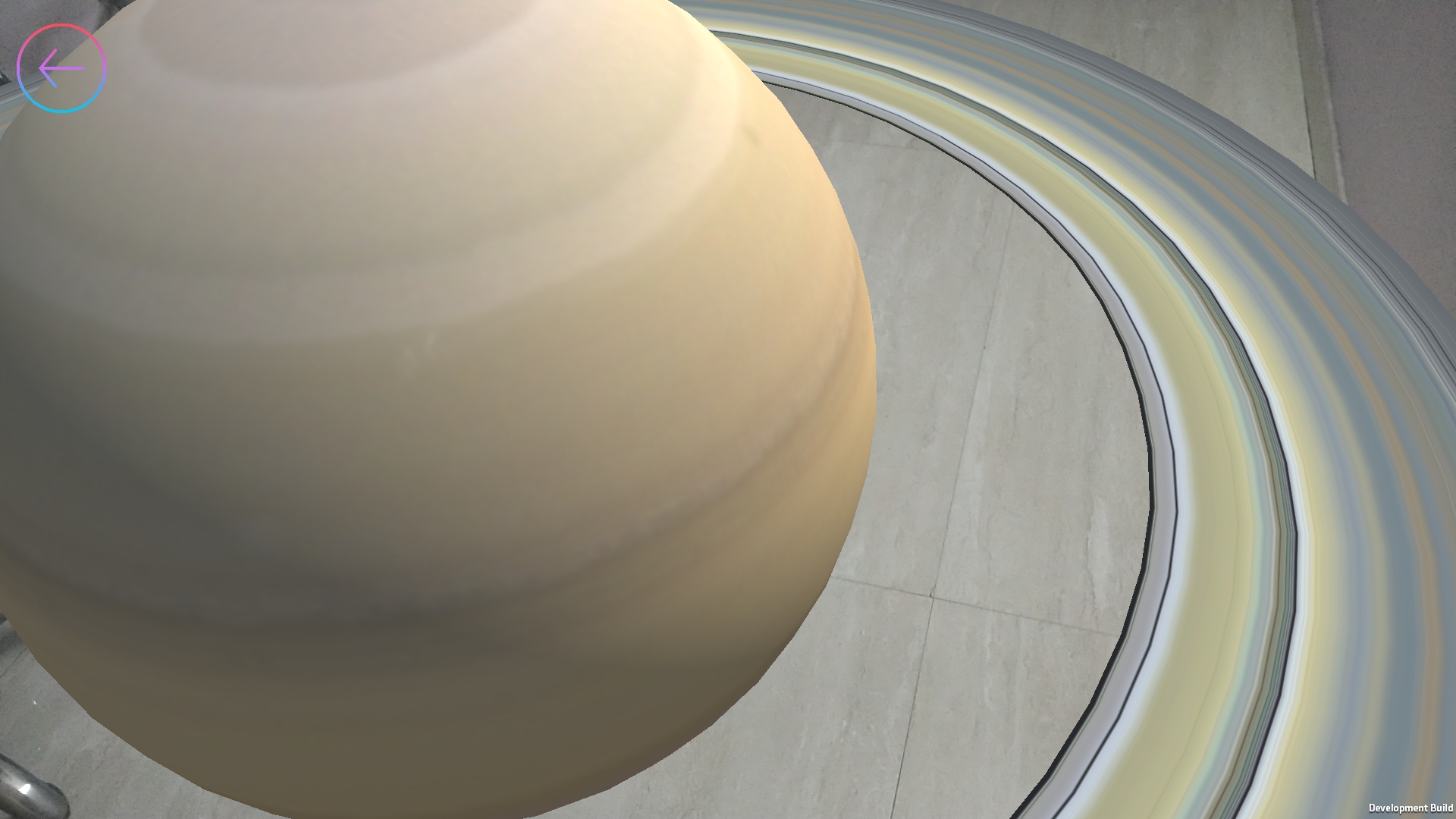
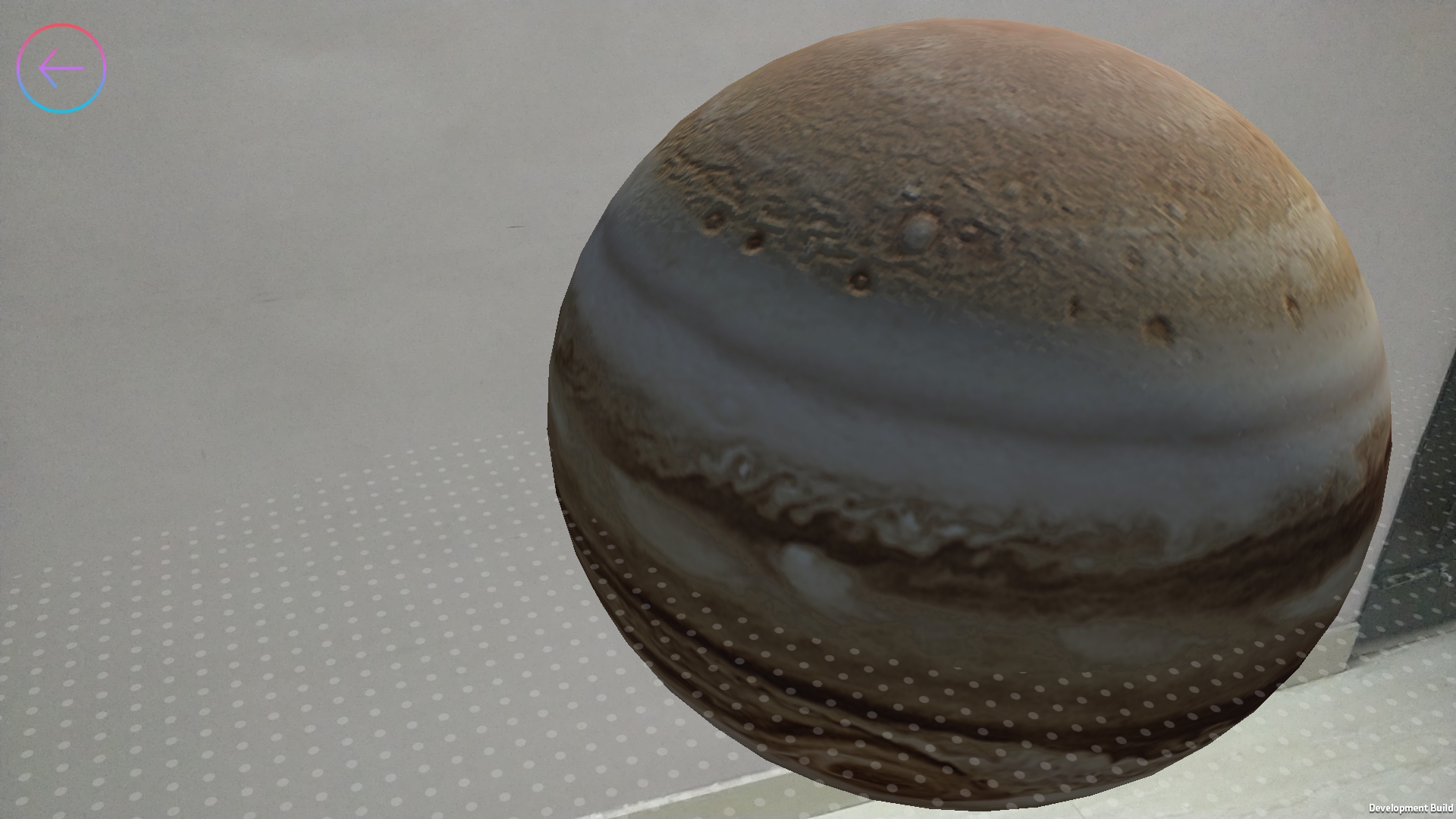
With a simple tap, users can place the solar system on a flat surface and explore it from different angles by moving around. Each planet rotates continuously, creating a dynamic and immersive experience. Tapping on any planet reveals interesting facts, making the experience both interactive and educational.
Key Features
- 🌌 Place the entire solar system in AR
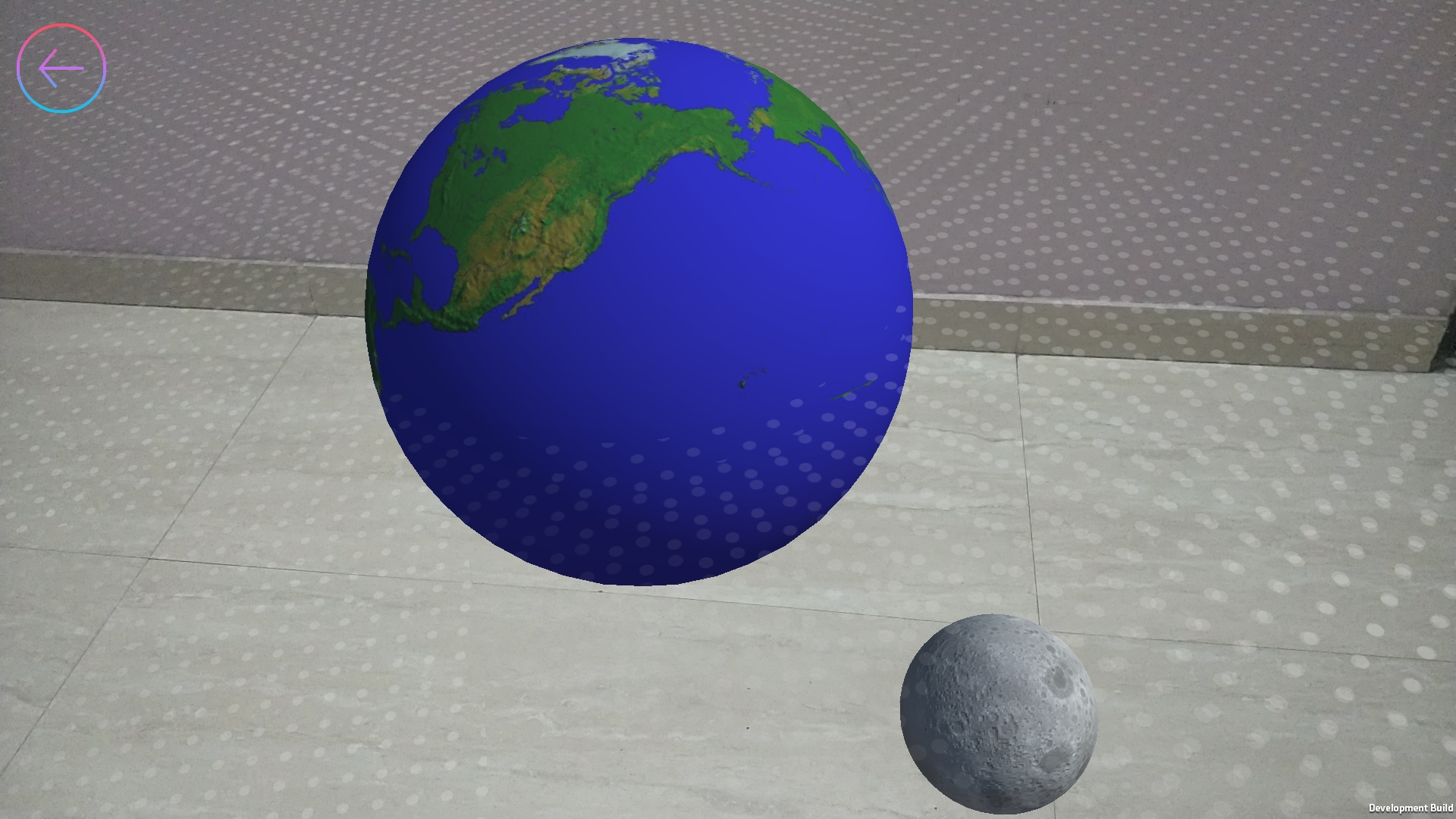
- 🪐 Select and view individual planets
- 📂 Sliding menu UI for easy navigation
- 🔄 Rotating planets for a dynamic experience
- 📌 Tap on planets to display facts
- 🔍 Explore from different real-world angles
- 📱 Simple and intuitive touch-based interaction
How to Use
- Open the app
- Use the sliding menu to select a planet or the full solar system
- Tap on a flat surface to place the model
- Move around to explore in 3D
- Tap on any planet to view facts
Download
Install instructions
Download & Install (Android)
- Download the APK file to your computer
- Transfer the APK to your phone (WhatsApp / USB / Drive)
- Open the APK on your phone
- If prompted, allow installation from unknown sources for your browser or file manager
- Tap Install and launch the app
Note:
Android may show a warning when installing APK files from outside the Play Store. This is standard behavior for all external apps. You can proceed if you trust the source of the file.
Leave a comment
Log in with itch.io to leave a comment.